Write a LinkedIn Headline That Gets Recruiters to Click
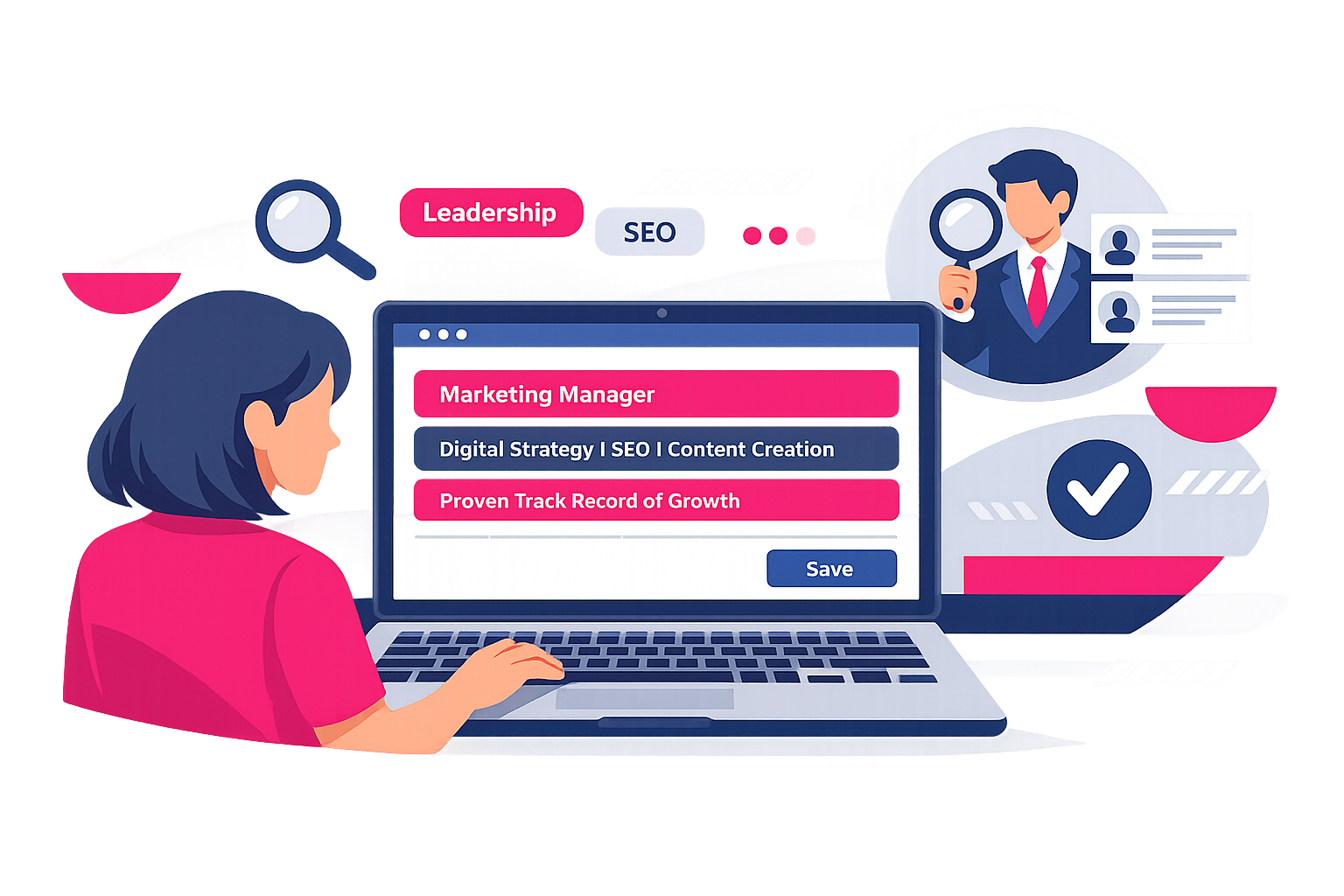
Your LinkedIn headline is not a slogan. It is your storefront.
If your headline is “Student at X University”, you have already lost.
Not because you are not talented.
Because you are forcing recruiters to do the work your headline should do in half a second.
Your LinkedIn headline is the one line that follows you everywhere on the platform.
It appears in search results.
It shows up in connection requests.
It sits next to your comments.
It is scanned by humans and indexed by LinkedIn search.
So if it is vague, you look vague.
And vague does not get interviews.
This guide shows you exactly how to write a LinkedIn headline for your job search, with templates, examples, keyword rules, and a tight process you can finish today.
What a LinkedIn headline is really for
A headline is not a bio.
It is not your job title copied from your CV.
It is not where you try to sound impressive.
A job search headline has three jobs:
- Make it instantly clear what role you want
- Prove you are relevant with credible evidence or focus
- Trigger LinkedIn search by using the right keywords
If it does not do all three, it is underperforming.
The brutal truth: recruiters do not “discover potential”
Recruiters are not paid to take risks.
They are paid to reduce uncertainty.
Your headline is a risk signal.
When it says “Aspiring professional” or “Open to work”, it screams:
- I do not know where I fit
- I cannot articulate my value
- I am hoping someone will decide for me
You can be entry-level and still be specific.
Specific gets rewarded.
How LinkedIn search actually treats your headline
LinkedIn is a search engine.
Your headline is prime real estate for keywords.
That matters because recruiters use LinkedIn Recruiter and basic LinkedIn search to filter by role keywords and skills.
If your headline does not contain the words they type, you will not appear.
So the goal is not creativity.
The goal is matching.
The best LinkedIn headline formula for job seekers
Use this formula. It works because it is simple, readable, and keyword-dense without sounding spammy.
The 4-part headline formula
- Target role (exact wording)
- Specialism or domain (where you apply it)
- Proof of capability (project, achievement, credential)
- Keywords (tools, methods, industry terms)
You will not always fit all four parts. That is fine.
But you must nail part 1.
If the reader cannot tell what you want, they will not click.
What it looks like in practice
- Junior Data Analyst | Excel, SQL, Power BI | Built dashboard tracking weekly sales performance
- Graduate Marketing Assistant | B2B content + SEO | Published 12-article content series | GA4, Search Console
- Entry-Level Software Engineer | Python, APIs, Git | Built and deployed task-tracking app
Each one is clear.
Each one gives a reason to believe.
Each one includes searchable terms.
Step-by-step: write your headline in 20 minutes
Do this in order. Do not try to “perfect the wording” first.
Step 1: Choose one target role title
Pick one.
Not three.
Not “Business Analyst | Project Manager | Consultant”.
That looks like you are applying randomly.
Use the exact title you see in job adverts.
Examples:
- Customer Service Advisor
- Operations Coordinator
- Junior UX Designer
- Finance Assistant
- HR Administrator
If you are unsure, choose the role you are applying for this week.
You can change it later.
Step 2: Add a domain or direction
This prevents you looking generic.
Choose one context where you want to work:
- Industry: healthcare, fintech, construction, retail
- Customer type: B2B, B2C, public sector
- Function focus: onboarding, reporting, scheduling, events
Examples:
- Finance Assistant | Accounts payable
- Junior UX Designer | Mobile apps
- Operations Coordinator | Logistics and scheduling
Step 3: Add proof that you can do the work
You do not need a job title to prove capability.
You need evidence.
Use one of these:
- A project: “Built…”, “Created…”, “Designed…”, “Analysed…”
- A measurable result: “Reduced errors by 20%”, “Handled 60 calls a day”
- A credential: apprenticeship, certification, degree focus
- A portfolio signal: “Portfolio: UX case studies”, “GitHub projects”
Rules:
- Keep it concrete.
- Avoid fluffy adjectives.
- Prefer verbs and numbers.
Step 4: Add keyword skills recruiters search for
This is where most people mess up.
They list vague traits like “hardworking” and “team player”.
Recruiters do not search for those.
They search for tools, systems, and methods.
Good keyword types:
- Software: Excel, Salesforce, HubSpot, Power BI, Jira
- Methods: Agile, stakeholder management, reconciliations
- Deliverables: dashboards, reports, presentations, social media content
Use 3 to 6 keywords.
More than that becomes noise.
Headline templates you can copy
Pick the closest template, then fill it with your details.
Template 1: Clean and direct
Target Role | Domain | 3 to 5 keywords
Example:
- HR Administrator | Onboarding and HR systems | Workday, Excel, compliance
Template 2: Proof-led for entry-level
Target Role | Proof project or achievement | 3 keywords
Example:
- Junior Data Analyst | Built KPI dashboard for student society | Excel, SQL, Power BI
Template 3: Portfolio-led
Target Role | Portfolio focus | Tools
Example:
- Junior UX Designer | Portfolio of 3 end-to-end case studies | Figma, user interviews, prototyping
Template 4: Career switcher
Target Role | Previous experience angle | Keywords
Example:
- Project Coordinator | 4 years retail team leadership | Scheduling, stakeholder comms, Excel
Template 5: Apprenticeship or graduate
Target Role | Degree or apprenticeship focus | Tools
Example:
- Graduate Marketing Assistant | Content + SEO | GA4, Ahrefs, copywriting
Examples by job type (good vs bad)
Steal these patterns.
Customer service
Bad:
- Open to work | Friendly and hardworking
Good:
- Customer Service Advisor | Complaint resolution + retention | Zendesk, call handling, CRM
Admin and operations
Bad:
- Administrative professional seeking opportunities
Good:
- Operations Assistant | Scheduling, invoices, data accuracy | Excel, Outlook, SAP
Marketing
Bad:
- Creative marketer | Social media lover
Good:
- Marketing Assistant | Content + email campaigns | Mailchimp, Canva, GA4 | Wrote 20+ posts
Tech
Bad:
- Aspiring software developer
Good:
- Junior Software Engineer | Python + APIs | Git, Docker | Built deployed web app
Finance
Bad:
- Finance graduate | Looking for a role
Good:
- Finance Assistant | Accounts payable and reconciliations | Excel, Xero | Managed weekly invoice tracking
Notice what changes.
The good versions:
- Use real role titles
- Include context
- Provide proof
- Include searchable tools
The words you must stop using in your headline
These words feel safe because they do not commit you to anything.
That is exactly why they fail.
Remove them.
Weak headline phrases
- Aspiring
- Passionate about
- Hardworking
- Motivated
- Open to work
- Seeking opportunities
- Enthusiastic
- Fast learner
They waste space and signal inexperience.
If you are a fast learner, prove it with a project.
If you are motivated, show the output.
The “Open to Work” question
If you are actively searching, you should use LinkedIn’s “Open to work” feature.
But do not put “Open to work” in the headline.
Why?
Because it is not a skill.
It does not help search.
It does not differentiate you.
Your headline is not a status update.
It is positioning.
How long should your headline be?
LinkedIn allows long headlines, but long is not the goal.
Your goal is scanability.
Aim for:
- 120 to 200 characters if you can
- 1 to 2 separators maximum (| works well)
- No jargon unless it is a keyword recruiters actually search
If it reads like a packed suitcase, it is too long.
A simple headline checklist that works
Before you hit save, check these:
- Does it start with the exact job title I want?
- Would a stranger understand what I do in 3 seconds?
- Does it include 3 to 6 searchable keywords?
- Is there proof, not personality?
- Does it avoid filler words?
If you cannot tick these, rewrite it.
Quick implementation plan (one hour, no excuses)
1) Gather keywords (15 minutes)
Open 10 job adverts for your target role.
Write down:
- The exact role title used most often
- The top 10 repeating tool and skill keywords
2) Pick your proof (15 minutes)
Choose one:
- Best project
- Best measurable result
- Best credential
Write a one-line proof statement with a verb.
3) Draft three headlines (15 minutes)
Use three different templates.
Do not judge them yet.
4) Choose the clearest one (15 minutes)
Pick the headline that a busy recruiter would understand fastest.
Clarity wins.
Your headline is a promise. Make it a strong one.
A strong LinkedIn headline does not beg.
It does not ramble.
It does not hide behind vague words.
It makes a clear promise about what you can do and what role you want.
Then it backs it up with proof and keywords.
That is how you turn your profile from “nice” into searchable, clickable, and hireable.
Next Steps
Want to learn more? Check out these articles:
How to Explain Redundancy on Your CV and in Interviews
Answer “Why Do You Want This Job?” Like a Serious Pro
How to Follow Up After a Job Application (Without Begging)
Check out our Advanced Employability Course for all the help you need to get your dream job, fast.