
Hybrid Work Etiquette: Get Your First Week in a Job Right
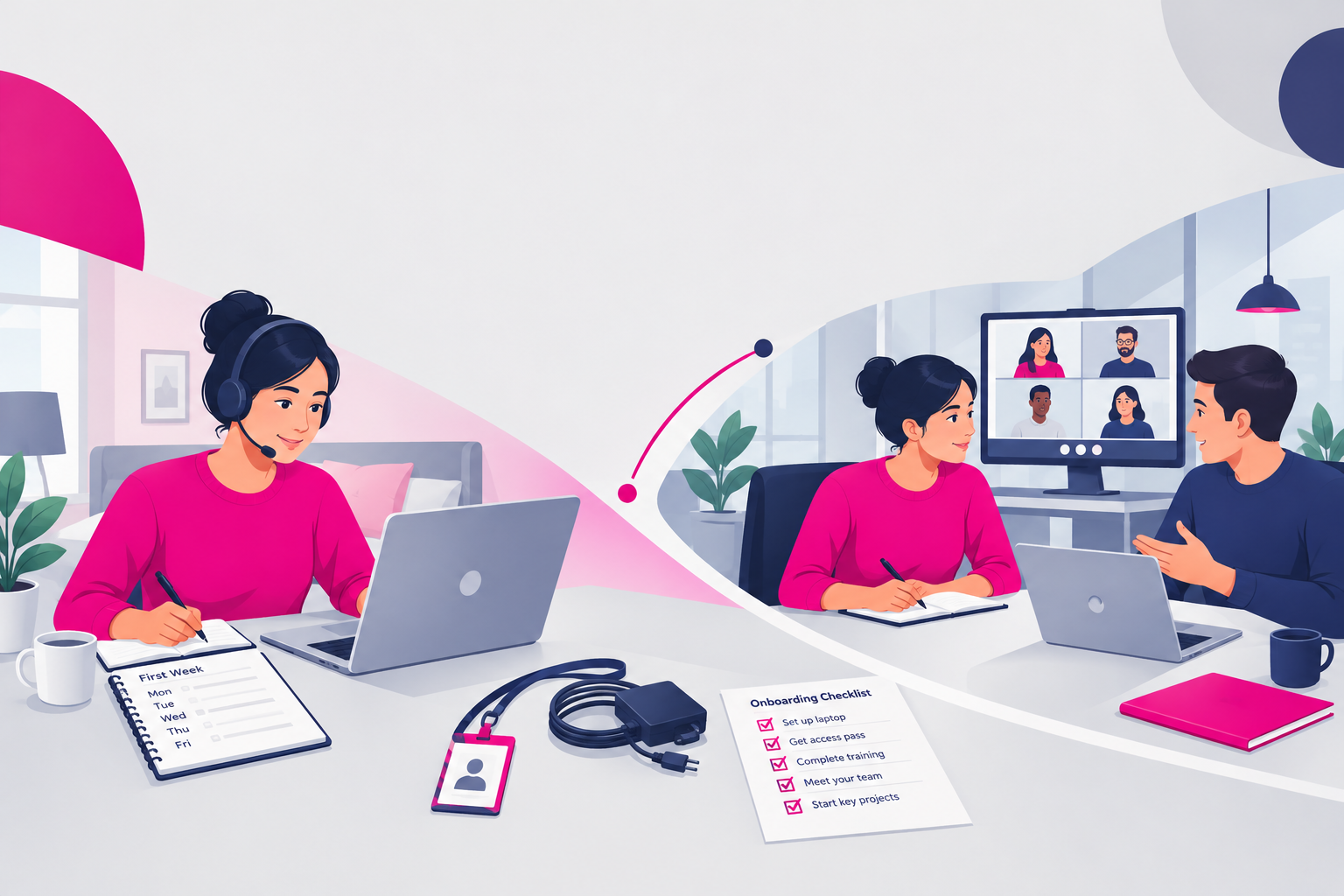
You arrive at the office. Your manager is working from home. Your laptop needs an access code. The person who can help is in a meeting.
Nobody mentioned any of this in the welcome email.
Welcome to hybrid work, where being ready to start and being able to start are not always the same thing.
Your first week is not a test of whether you can read minds. Your employer should provide clear instructions, working equipment and support. But even good onboarding leaves gaps, especially when people work in different places.
Hybrid work etiquette for your first week in a new job is about closing those gaps without pretending you already know everything.
The goal is not to look permanently busy. It is to become easy to work with: prepared, dependable, considerate and willing to ask.
Here is how to build that reputation, whether this is your first proper job or simply your first hybrid one.
1. Agree the working rules before trying to impress anyone
“Hybrid” describes a mixture of locations. It does not tell you which days to attend, when to be available or how to get help.
Two teams in the same organisation can operate differently. Never assume that a friend's arrangement applies to yours.
Confirm the essentials
Before your first day, if possible, ask your manager or onboarding contact:
- Where should I work each day during my first week?
- What time should I start and finish, and are there core availability hours?
- Who will meet me or contact me on day one?
- Do I need to book a desk or arrange building access?
- Who should I contact if my equipment or account does not work?
- Where can I find the hybrid working policy and onboarding schedule?
One concise message is enough. You do not need six separate emails.
If nobody replies, follow the written joining instructions and contact the named recruiter, HR contact or manager. Do not silently invent your own schedule.
Separate policy from preference
A colleague saying, “We usually come in on Thursdays,” is useful information. It is not necessarily an attendance requirement.
Check what is mandatory, what is a team convention and what is flexible. Record the agreed arrangement somewhere you can refer to it.
If you need an adjustment, accessible equipment or a different setup, raise it with the appropriate contact. You do not need to explain private circumstances to the whole team.
2. Make your availability predictable, not permanent
In an office, people can often see that you are occupied. At home, they may have little context.
That does not mean you owe everyone constant access. It means you should make your working pattern understandable.
Use the team's existing signals
Ask how colleagues show their location, working hours and periods of focused work. Follow that system rather than creating another tracker nobody uses.
Depending on the organisation, that might mean:
- Adding office and home days to your calendar.
- Keeping meeting availability accurate.
- Using a status message during training or focused work.
- Updating the agreed channel when your location changes.
Do not fill a shared calendar with personal details. “Unavailable” or “Appointment” may be sufficient, subject to the team's process.
A green status light is not proof of useful work. Nor is an immediate reply to every message. Resist the temptation to perform availability instead of learning the job.
Clarify response expectations
Ask: “How quickly should I normally respond on chat, and how do you flag something genuinely urgent?”
There is no universal answer. A customer support role and an internal analyst role may have very different requirements.
For a request that needs time, acknowledge it with a realistic next step: “I've seen this. I'll check the instructions and update you by 2 pm.”
Outside your agreed hours, follow any explicit on-call arrangement. Do not establish an always-available habit simply because you are new.
3. Ask useful questions before small problems become delays
New starters often make one of two mistakes. They ask every question immediately, interrupting constantly. Or they ask nothing, then spend half a day stuck.
Neither is necessary.
The better approach is to separate urgent blockers from questions that can wait.
Know when to stop struggling alone
If you cannot log in, access essential training or join a scheduled meeting, contact the relevant person promptly. Waiting quietly does not make you resourceful.
For an ordinary task question, check the supplied instructions and obvious reference material first. Agree with your manager how long to investigate before asking for help.
The right threshold depends on the task. Ten minutes might be sensible for a simple setup issue, but not for a complex research assignment.
Use this structure when asking:
- State what you are trying to do.
- Explain what you have already checked.
- Describe the specific obstacle.
- Ask for the next decision or action.
For example: “I'm completing the expenses training. The guide links to a form I cannot access. I've checked that I'm signed into my work account. Should I request access through IT or use a different link?”
That is easier to answer than “It's not working.”
Keep a question list
Collect non-urgent questions for your next check-in. Write down the answers and where the official guidance lives.
Do not turn your personal notes into an unofficial policy manual. Processes change. Keep links to the source, not just your interpretation.
4. Treat office days as shared working time
An office day is not automatically productive because you travelled there. Its value depends on what you can learn or accomplish with other people present.
Before attending, check who will be there and whether your planned induction sessions are still happening.
You cannot control everyone's diary. You can avoid assuming that proximity guarantees access.
Be prepared without arriving absurdly early
Allow a reasonable travel buffer. Follow the agreed arrival instructions, especially if someone must let you in.
Bring the equipment you have been asked to use. Check whether you need your charger, headset, identification or access pass.
When using shared space:
- Book desks and rooms through the approved system.
- Release bookings you no longer need.
- Take calls in suitable spaces rather than beside people concentrating.
- Leave desks clear and follow local equipment rules.
- Ask before borrowing someone else's workspace or accessories.
These are small actions. They prevent other people from having to organise their day around your avoidable mistakes.
Respect attention, including friendly attention
A colleague wearing headphones may be concentrating, not inviting an interruption.
Try: “Have you got two minutes, or should I message you?” Accept the answer without taking it personally.
Join a lunch or coffee break if you can. Those conversations can help you understand the team. But you do not need to attend every social event to demonstrate commitment.
Professional relationships come from repeated, respectful contact. Forced sociability is not a job requirement.
5. Make home working dependable and secure
Working from home is still work. It also does not require a showroom office, perfect silence or expensive furniture bought with your own money.
Your responsibility is to use the agreed setup carefully and flag anything that prevents you from doing the job safely or effectively.
Test what you can before you need it
Once you receive access, check your login, approved meeting software, microphone and headphones during your onboarding time.
Find out how to reach IT if your main work account becomes unavailable. Keep the approved support details accessible.
If your connection fails, tell your manager through the agreed backup route. Explain which commitments are affected and ask what alternative arrangement is appropriate.
Do not assume you should spend personal money or travel somewhere else without checking.
Convenience does not override security
Use approved accounts, devices and storage. Follow the organisation's rules rather than improvising around inconvenient restrictions.
In particular:
- Lock your screen when stepping away.
- Keep confidential conversations out of earshot where possible.
- Avoid sending work files to personal email accounts.
- Do not paste company information into unapproved AI tools.
- Check the policy before using public Wi-Fi or working in public places.
If something goes wrong, report it promptly through the proper channel. A mistaken email or suspicious link is harder to manage when concealed.
Your first week is exactly the time to ask, “What is the approved way to do this?”
6. Join meetings ready to contribute, not perform
A hybrid meeting can make a new starter feel like a face in a small box while everyone else seems to know what is happening.
Preparation helps. Pretending does not.
Read the invitation, check the purpose and open any supplied documents. If your role is unclear, ask whether you are attending to observe, contribute or take responsibility for an action.
Follow the format and protect inclusion
Join on time. For an unfamiliar platform, allow a few minutes beforehand to check access and audio.
Ask about camera expectations rather than assuming cameras are always compulsory or always optional. Raise accessibility, bandwidth or privacy constraints with the appropriate person.
Mute when background noise would disrupt the discussion. If several people join from one room, follow the room's audio setup to avoid feedback.
When you speak, make the point plainly. You do not need a contribution to every topic to justify your attendance.
If you are in the room, remember remote colleagues. Avoid side conversations and make relevant physical notes available through an approved shared document.
Leave with a clear commitment
Before the meeting ends, confirm any action assigned to you: what is needed, by when and where it should be delivered.
For example: “I'll update the contact list in the shared folder by Thursday lunchtime. Is there an example I should follow?”
That sentence does more for your credibility than several vague promises to “get involved”.
7. Build trust through small, visible completions
In your first week, you may not produce much independent work. You are learning systems, meeting people and completing training.
That is legitimate work. Do not manufacture activity to disguise it.
Instead, agree a small number of realistic priorities with your manager and make progress understandable.
Report outcomes, not every movement
Ask whether your manager wants a brief daily update, a scheduled check-in or another format. Do not send unsolicited reports to half the organisation.
A useful update contains:
- Completed: what you finished or learned.
- Next: the next agreed priority.
- Blocked: what needs help or a decision.
For example: “Completed the induction modules and tested the booking system. Tomorrow I'll shadow the support team. My reporting access is still pending, so I cannot start that exercise yet.”
If a deadline is slipping, flag it before it passes. Explain the obstacle and propose a revised time where you can.
Reliability is not never encountering problems. It is avoiding preventable surprises and following through on the next agreed step.
8. Use a simple first-week rhythm
You do not need a complex personal productivity system. You need a few repeatable habits that keep you learning and connected.
Adapt this outline to your employer's onboarding plan:
- Day one: Confirm your schedule, support contacts, access and immediate priorities.
- Day two: Learn where instructions live and how the team signals availability and urgency.
- Day three: Complete a small agreed task and check your approach before repeating it.
- Day four: Review your notes, raise unresolved questions and confirm upcoming commitments.
- Day five: Summarise progress with your manager and agree next week's priorities and location arrangements.
At that final check-in, ask: “Is there anything about how I'm working with the team that you'd like me to adjust?”
That invites useful feedback while the habits are still easy to change.
If the onboarding plan is unclear, ask your manager to identify the two or three things that matter most next. You should not have to design your own role.
The standard is reliability, not perfection
You will probably ask an obvious question. You may enter the wrong meeting link or misunderstand an office routine.
Correct it, learn from it and move on.
The damaging habits are different: hiding confusion, disappearing without context, ignoring shared rules and promising work you cannot deliver.
Good hybrid work etiquette is not about becoming constantly visible. It is about removing unnecessary uncertainty for yourself and the people working with you.
Know the arrangement. Ask early. Protect information. Respect attention. Keep your commitments.
That is a strong first week. Not because you looked as though you knew everything, but because people learned they could work with you.
Next Steps
Want to learn more? Check out these articles:
First Performance Review Prep: What to Bring and Say
How to Demonstrate Reliability and Consistency at Work
How to Manage Your Manager in Your First Job (Without Drama)
Check out our Advanced Employability Course for all the help you need to get your dream job, fast.